A scatter plot shows the relationship between two numerical variables. Each data point is a single dot at the coordinates given by the values of the two variables.
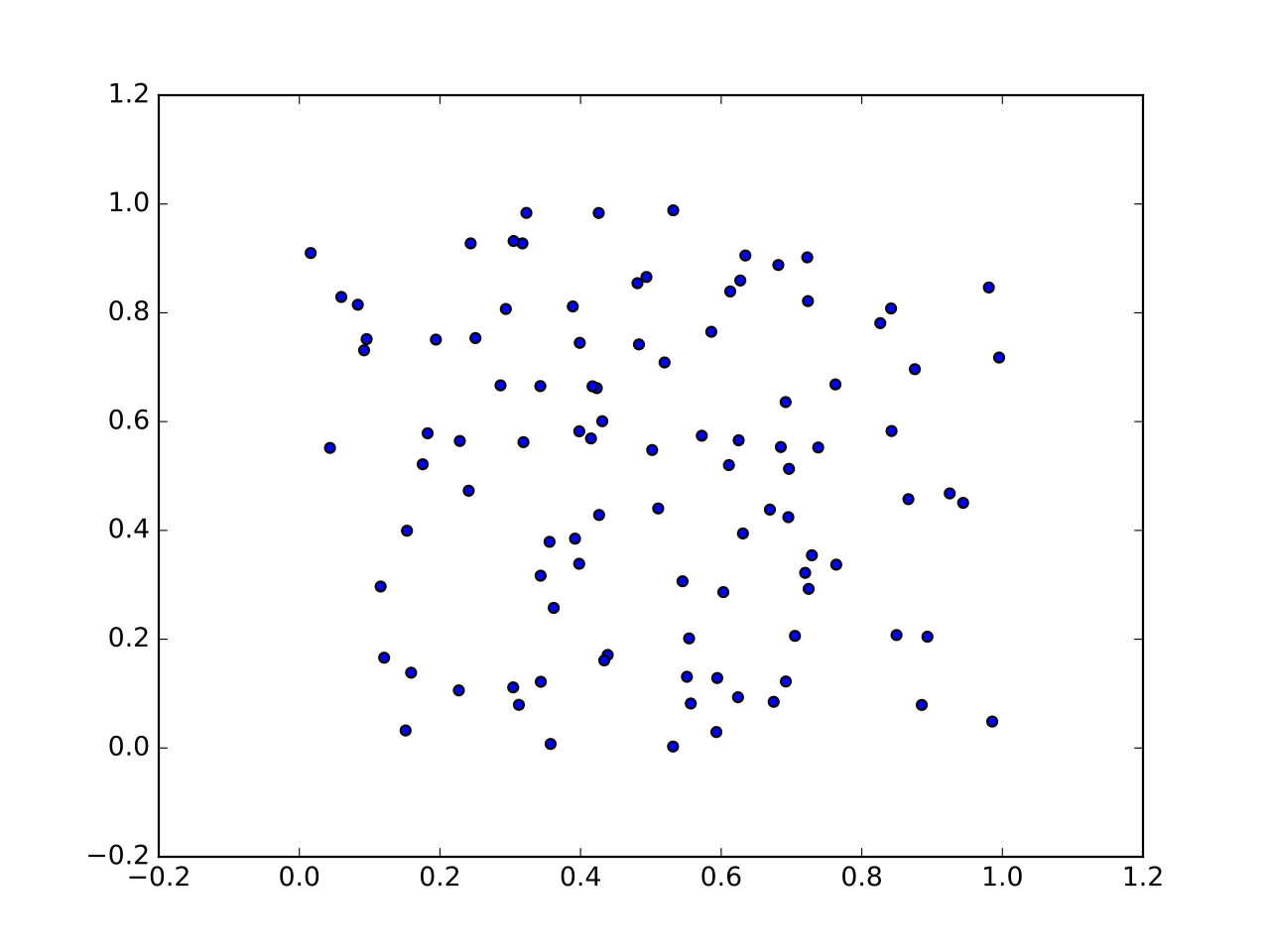 Image: Scatter plot (matplotlib example), CC BY-SA 4.0 Scatter plots are the right tool when we want to:

- See correlation: is there a trend? Does rise as rises?
- Identify outliers: points that sit far from the cloud of the rest.
- Look at the shape of the cloud: elongated, blob-shaped, multiple clusters?
Unlike a Line graph, a scatter plot doesn’t connect adjacent points. That’s the right choice when adjacent doesn’t mean anything in particular. Interest rate by month might be a line graph if we’re emphasizing the trend, or a scatter plot if we want to suggest the values are independent measurements rather than a continuous process.
For three variables, a Bubble chart extends the scatter plot by encoding the third variable in the size of each dot. For two-dimensional embeddings of high-dimensional data, the typical output of PCA or t-SNE, the result is a scatter plot, often with points colored by class to reveal whether the classes cluster separately.
In Matplotlib, ax.scatter(x, y) draws a scatter plot. The marker keyword picks the shape ('o' circles, '^' triangles, 's' squares), s= controls size, c= controls color (a single color, a list of colors, or a list of numeric values that get mapped through a colormap; string class labels won’t work directly, encode them to integers first), and alpha= controls transparency (useful for showing density when many points overlap).
fig, ax = plt.subplots()
ax.scatter(x, y, marker='o', c=class_labels, cmap='tab10', alpha=0.6)