An object file is the output of the assembler (or compiler): a binary file containing machine code, data, and bookkeeping information for a single source file. Not yet runnable. It’s an intermediate artifact that gets fed to the linker to be combined with other object files into an executable.
Anatomy of an object file
A typical object file contains:
- Machine code: binary instructions translated from the source’s assembly.
- Initialized data: values for
.datadeclarations (constants, initialized globals). - Uninitialized data: the
.bsssection. Holds globals and statics that are either declared without an initializer or initialized to zero. The object file records only the size of the section, not the bytes themselves; the loader allocates that much zeroed memory at runtime. So no zeros are stored on disk, but the section reserves runtime address space. - Section headers: markers for where each section (text/code, data, BSS, debug info) starts.
- Symbol table: every label defined in this file (exports) and every external label referenced (imports).
- Relocation information: for each address that depends on linker decisions, instructions on how to patch it.
- Debug information: line numbers, variable names, type info (when compiled with
-g).
Why placeholders for cross-file references
A single source file rarely knows everything. If file_A.c calls subroutine_in_B defined in file_B.c, the assembler can’t fill in the call’s target address, since that depends on where file_B’s code ends up in the final binary, which isn’t decided until the linker runs.
So the assembler emits a placeholder (often zeros) and a relocation entry: “this 4-byte slot at offset in the code should hold the address of subroutine_in_B once you know it.” The Linker resolves these at link time.
File format
The bits-on-disk layout of object files is standardized by platform:
- ELF (Executable and Linkable Format): Linux, BSD, most Unix systems.
- Mach-O: macOS and iOS.
- COFF / PE/COFF: Windows.
All three encode the same conceptual contents (sections, symbols, relocations), just with different layouts. Tools like objdump, nm, readelf (Linux) let you inspect object files.
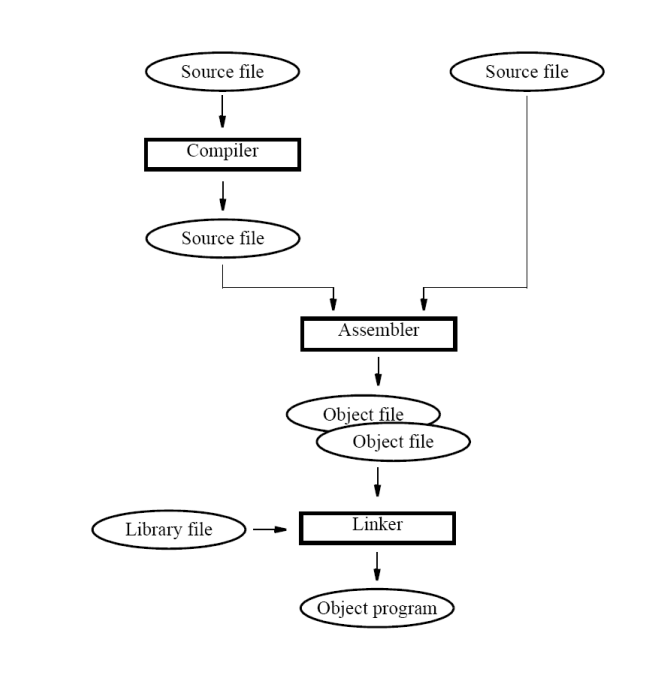
Object file flow
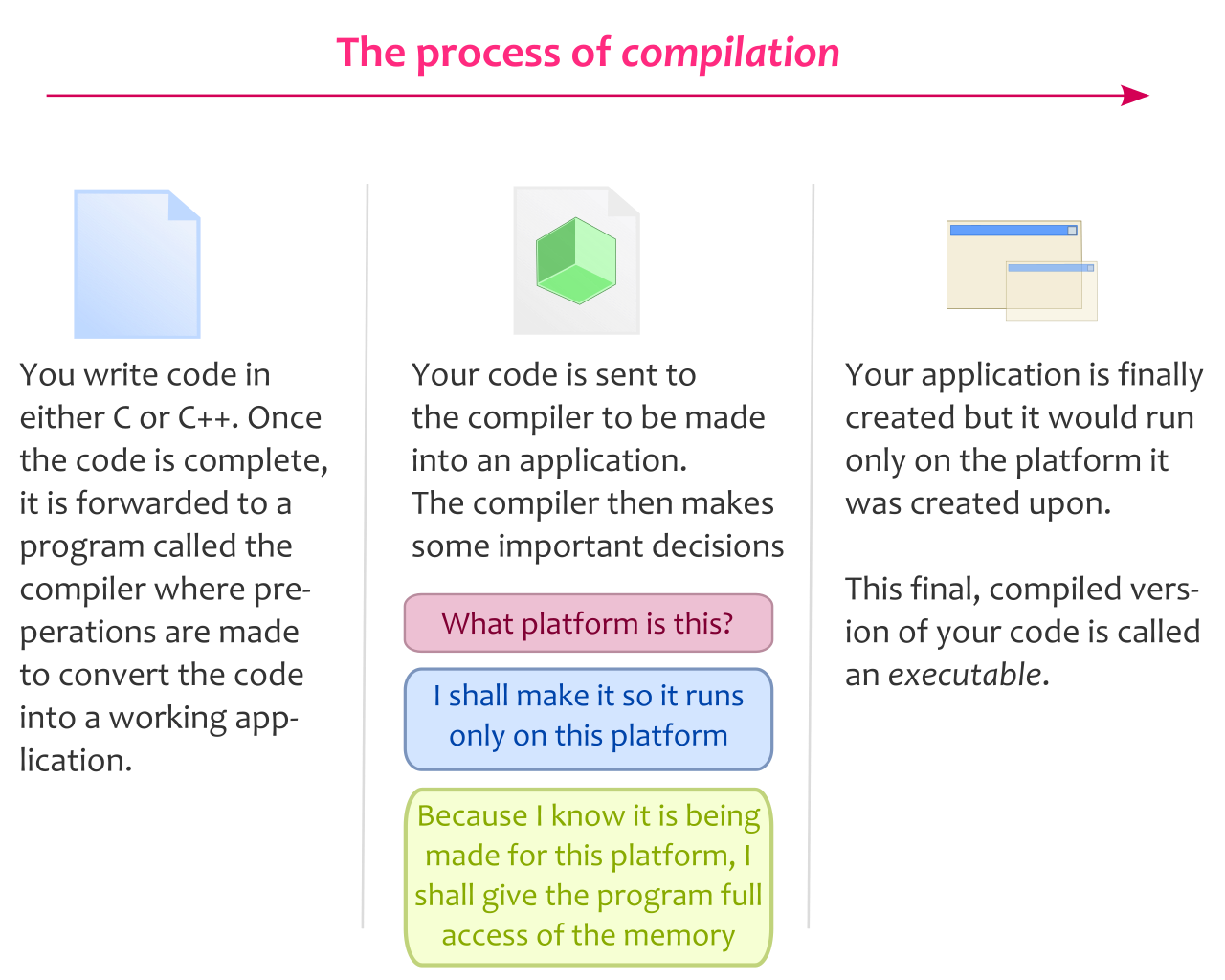 Image: C/C++ compilation process, CC BY-SA 3.0

The Linker reads in object files plus any library files specified, resolves cross-file symbol references, lays out the final memory image, and writes the executable.
If a needed symbol isn’t found anywhere, the linker fails with “undefined symbol”.
Why have an object format
Why object files exist as a separate stage:
-
Separate compilation: edit one source file, recompile just that file, re-link. For projects with thousands of translation units this turns a clean build that takes many minutes into an incremental rebuild that touches only the changed file plus the final link.
-
Libraries: pre-compiled object files bundled into libraries can be reused without re-compilation.
-
Cross-platform abstraction: the source language and the target architecture are separated. The same C source compiles to different machine code per architecture, but the object-file structure is uniform per OS.
Inspecting an object file
For a quick look at what’s inside:
nm program.o          # list symbols (exported and imported)
objdump -d program.o  # disassemble code section
objdump -h program.o  # show section headers
readelf -a program.o  # show all ELF info (Linux only)
These help debug linker errors (“undefined reference”) by telling you which symbols are exported by which file. Once linked, the Loader maps the executable into memory at runtime.